






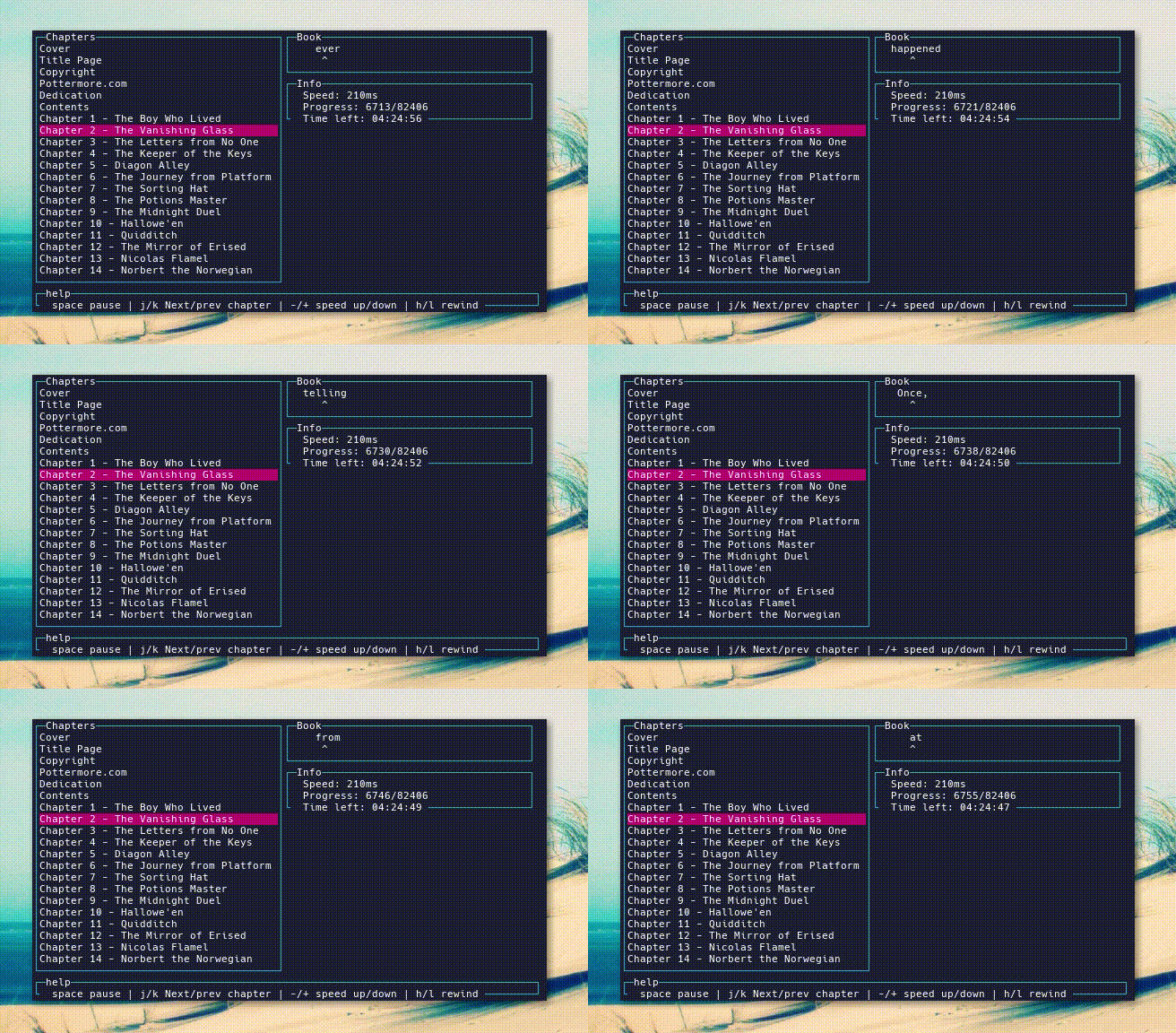
Uniread is Spritz like CLI fast reading software.
- Supported ebook types
- Installation / update
- Usage
- Developers guide
- Authors
- Contributors
- Backers
- Sponsors
We try to support as much as possible of ebook formats. If you have any kind of requests, feel free to create feature request in issues.
- epub (thanks to julien-c/epub library)
- text (thanks to pzmarzly and PR #25)
- pdf (thanks to Mozilla pdf.js library)
- markdown,
.md/.markdown(thanks to marked library) - html,
.html/.htm/.xhtml - mobi,
.mobi/.prc/.azw - docx (thanks to mammoth library)
- fb2, FictionBook
Where a format says how it is divided up, uniread follows it: epub uses its spine, pdf its bookmarks, fb2 its sections, and markdown, html, docx and mobi their top two heading levels. Everything else is read as a single chapter.
Anything else that reads like text is treated as plain text, so a file with no extension or an unfamiliar one still opens.
Mobi books using HUFF/CDIC compression, and any DRM protected book, cannot be read.
sudo npm install -g unireaduniread ~/Books/somebook.epubRun it without a book to pick one from your recently read books:
unireadText can be piped in, which is handy for reading a web page through a tool that extracts its text:
get-current-page-text | unireadTo start stopped, rather than having to catch up with a book that is already running:
uniread --paused ~/Books/somebook.epub| Key | Action |
|---|---|
space |
Pause / resume |
j / k (or arrows) |
Next / previous chapter |
+ / - |
Speed up / slow down |
h / l (or arrows) |
Rewind / forward one word |
f |
Flash the word on and off, or leave it on screen |
s |
Style words, or show them plain |
ctrl+k |
Open a recently read book |
q / escape |
Quit |
Uniread blanks the screen briefly between words, so each word is read rather
than half remembered from the pixels the last one left behind. Press f if you
would rather each word simply replaced the one before it.
Uniread is drawn in the Dracula palette, and the styling below takes its colours from the same place. On a terminal that only knows sixteen colours, each is shown as the nearest shade it has.
Uniread reads a little meaning out of each word and shows it: a word that names
a colour appears in that colour, a quotation is underlined, and a sentence
ending in an exclamation mark is emboldened. Press s for plain words instead.
A word that has already been said, in the same sentence or in the last ten words, is coloured too, so repetition blindness does not carry you past it. The words that always repeat, the and and and so on, are left alone.
Underline stands in for italic, which terminals do not reliably offer, and a colour outside the sixteen a terminal knows is shown as the nearest shade it has.
Uniread remembers where you left off in every book you open. Reopening a book
picks up from that word, and ctrl+k switches to another recent book without
leaving the reader — each book keeps its own position.
Progress is written while you read, when you pause, and when you quit. The
library lives at $XDG_DATA_HOME/uniread/library.json (by default
~/.local/share/uniread/library.json) and holds the last 50 books. Delete
that file to forget everything; books that have since been moved or deleted
are dropped from the list automatically.
For this project development, we are using faster, yarn package manager.
To install it, run:
sudo npm install -g yarnAfter that, you need to install dependencies, using:
yarnBooks source: https://pressbooks.com/sample-books/
To download books, run
yarn get-booksCoding style of this project is defined inside .editorconfig and to use it, download Editor Config plugin for your text editor.
For linting, we are using eslint (configured in eslint.config.js) and to run
it, you can just use:
yarn lintTo let eslint fix what it can:
yarn lint-fixTo run tests, we use mocha.
To run it, simply:
yarn test
Also, huge thanks to these people.
This project exists thanks to all the people who contribute. [Contribute].

Thank you to all our backers! 🙏 [Become a backer]

Support this project by becoming a sponsor. Your logo will show up here with a link to your website. [Become a sponsor]


