
Warning
This is a personal project, provided as-is.
I maintain this fork for my own use. Expect rough edges and changes driven by my needs, with no guarantees of stability, maintenance, or support.
Most of the changes in this fork were developed with AI assistance.
The design is heavily based on Rex by Superlogical.
- Credit to Raphael Amorim, Rio's creator, and the Rio contributors for the terminal this fork
- Credit to Mitchell Hashimoto, Ghostty's creator, and the Ghostty contributors for the terminal this fork builds on
- Credit Superlogical team for Rex and its design.

Rio is a modern terminal built to run everywhere.
About
·
Install
·
Config
·
Changelog
·
Sponsor
Documentation: rioterm.com.
In a new Rio terminal, run ssh host as usual. With shell integration enabled,
Rio wraps SSH in Fish, Zsh, PowerShell, and bare Bash launches. Existing SSH
functions and aliases take precedence. Bash launches with configured arguments
can load the hook from . "$RIO_SHELL_INTEGRATION/rio.bash" in their startup file.
The wrapper uses your native SSH client, configuration, keys, agent, and host-key
checks. It preserves command arguments and exit status. For an interactive
terminal, it tries to install Rio's terminfo using a separate, bounded batch
connection and caches successful installs. If setup cannot authenticate or the
remote host has no tic, the session uses xterm-256color. Setup never replays
your remote command or port forwards. TERM travels in SSH's terminal request;
forwarding COLORTERM, TERM_PROGRAM, and TERM_PROGRAM_VERSION requires the
server to accept those variables.
Use the helper directly when a shell has no automatic hook:
rio +ssh user@host
rio +ssh --ssh=/path/to/ssh -- -p 2222 user@host
rio +ssh --terminfo=false user@host
Use --cache=false to retry terminfo installation without the cache. Pass
both --terminfo=false and --forward-env=false to preserve the SSH client's
inherited environment. command ssh in Unix shells, an explicit executable
path, or ssh.exe in PowerShell bypasses the wrapper.
The command palette also offers Connect via SSH…. New tabs and splits inherit the active pane's destination and its reported remote directory, without replaying remote commands or port forwards. Windows opens independent SSH connections. Unix reuses a shared connection when available and otherwise opens a new connection. New Local Tab starts a local shell. Remote directory and application reporting require shell integration on the remote host; terminfo installation alone does not install remote shell hooks.
If you use and like Rio, please consider sponsoring it: your support helps to cover the fees required to maintain the project and to validate the time spent working on it!


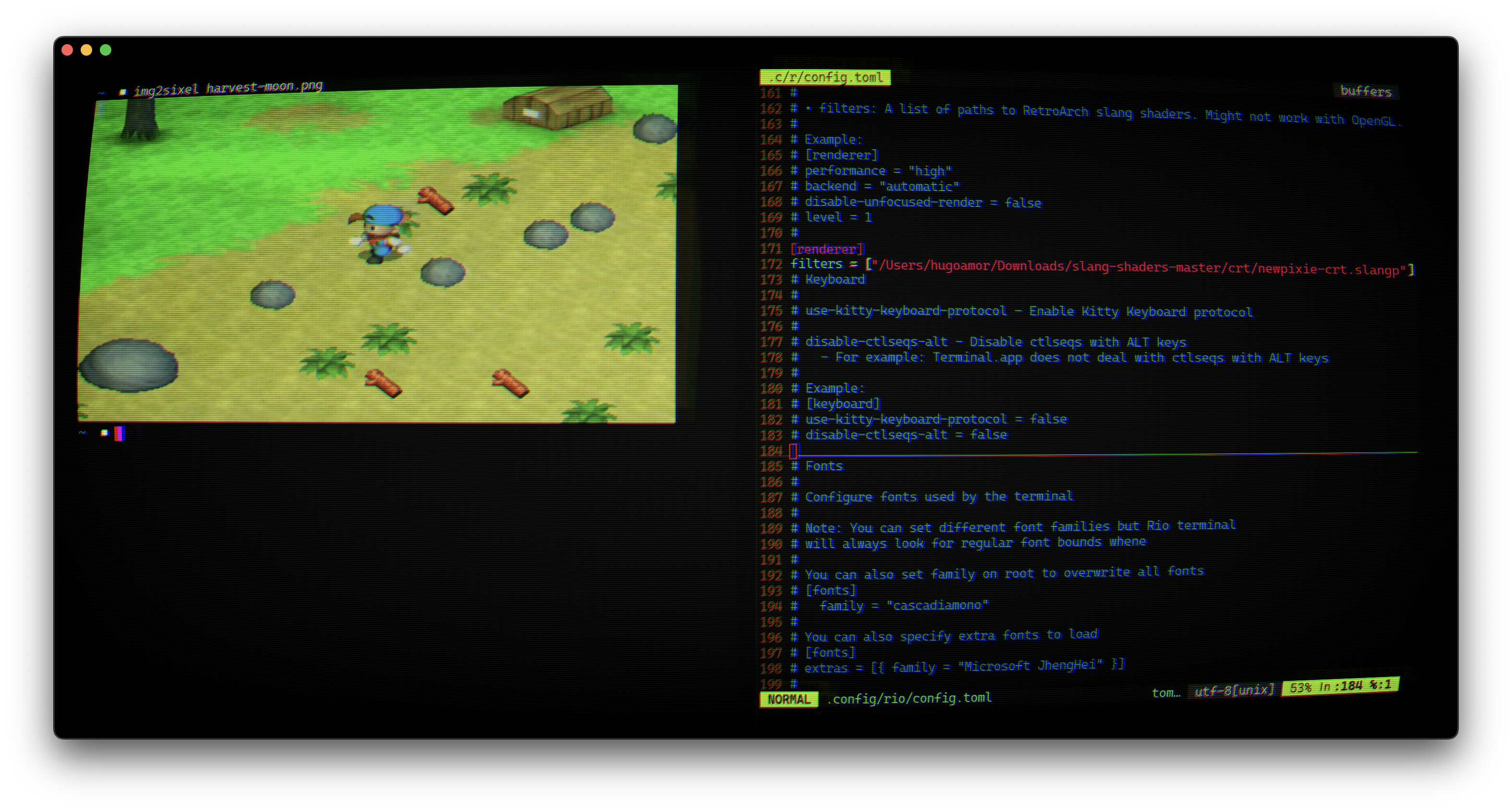
Demo with split and CRT on MacOS
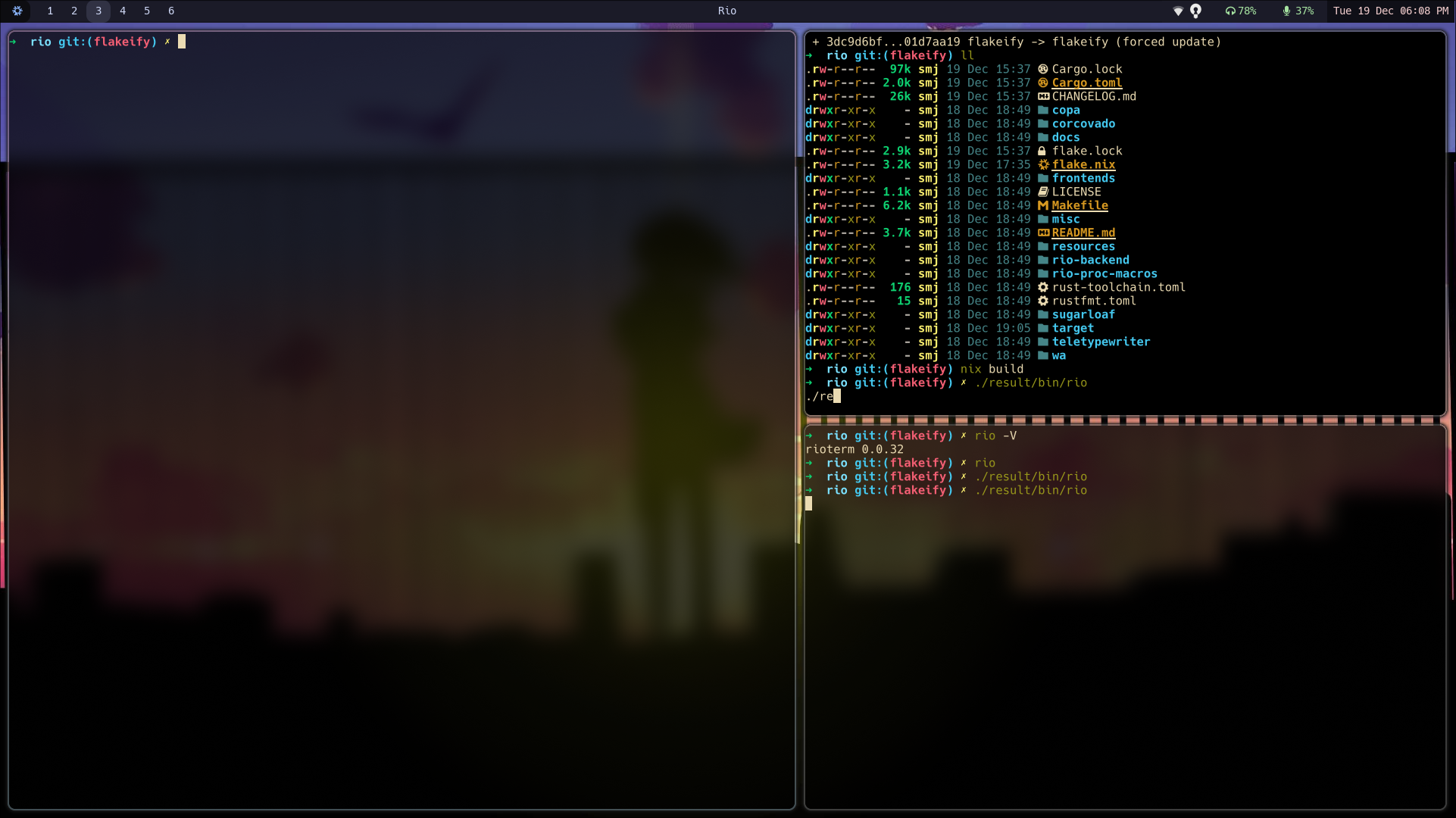
Demo with blurred background on Linux
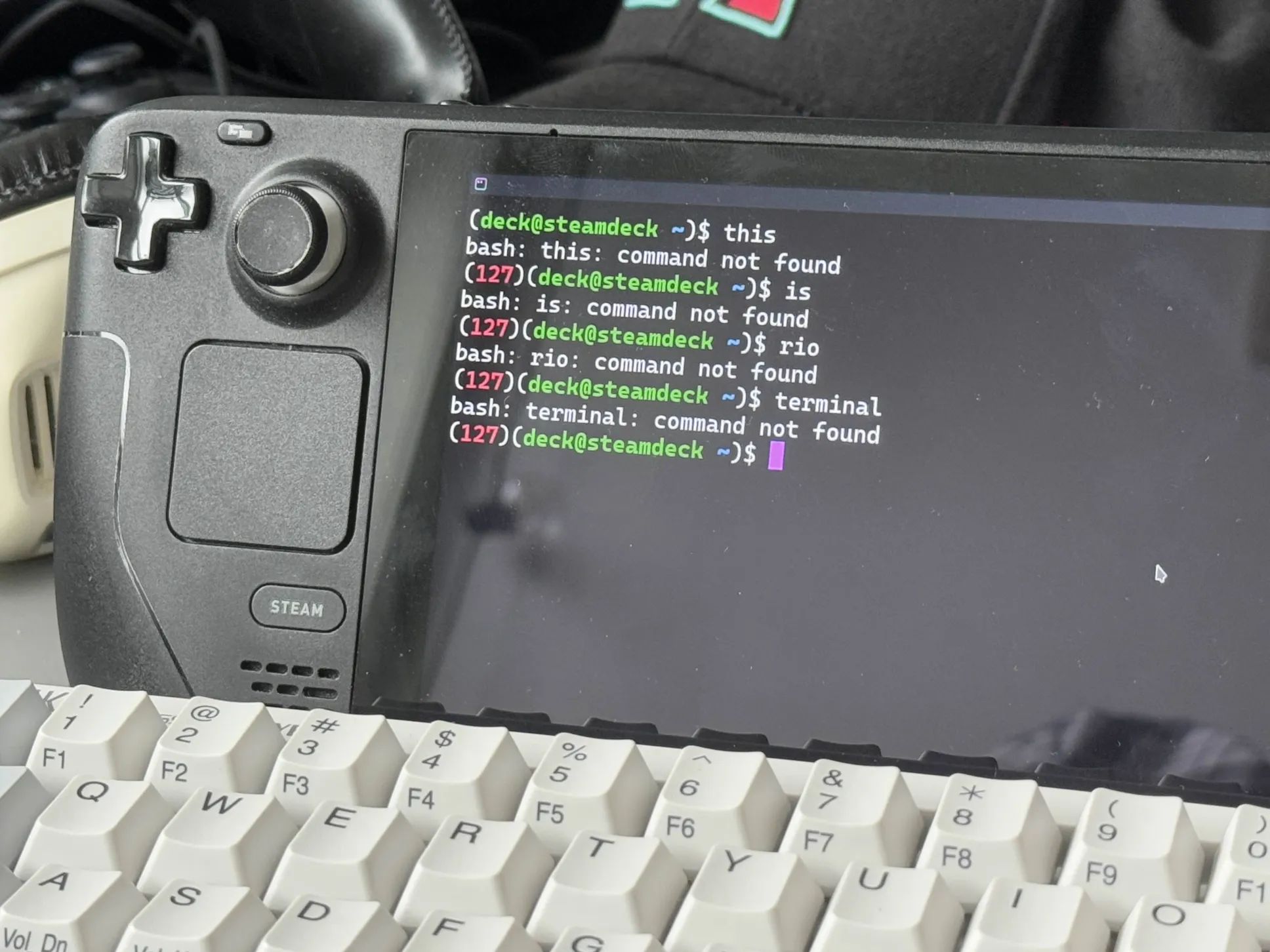
Demo of Rio running on a Steam Deck
Rio's MSRV is 1.99.1.