






A Flutter plugin for music playback, notification handling, lock-screen controls, and desktop system media controls.
| Android | iOS | macOS |
|---|---|---|
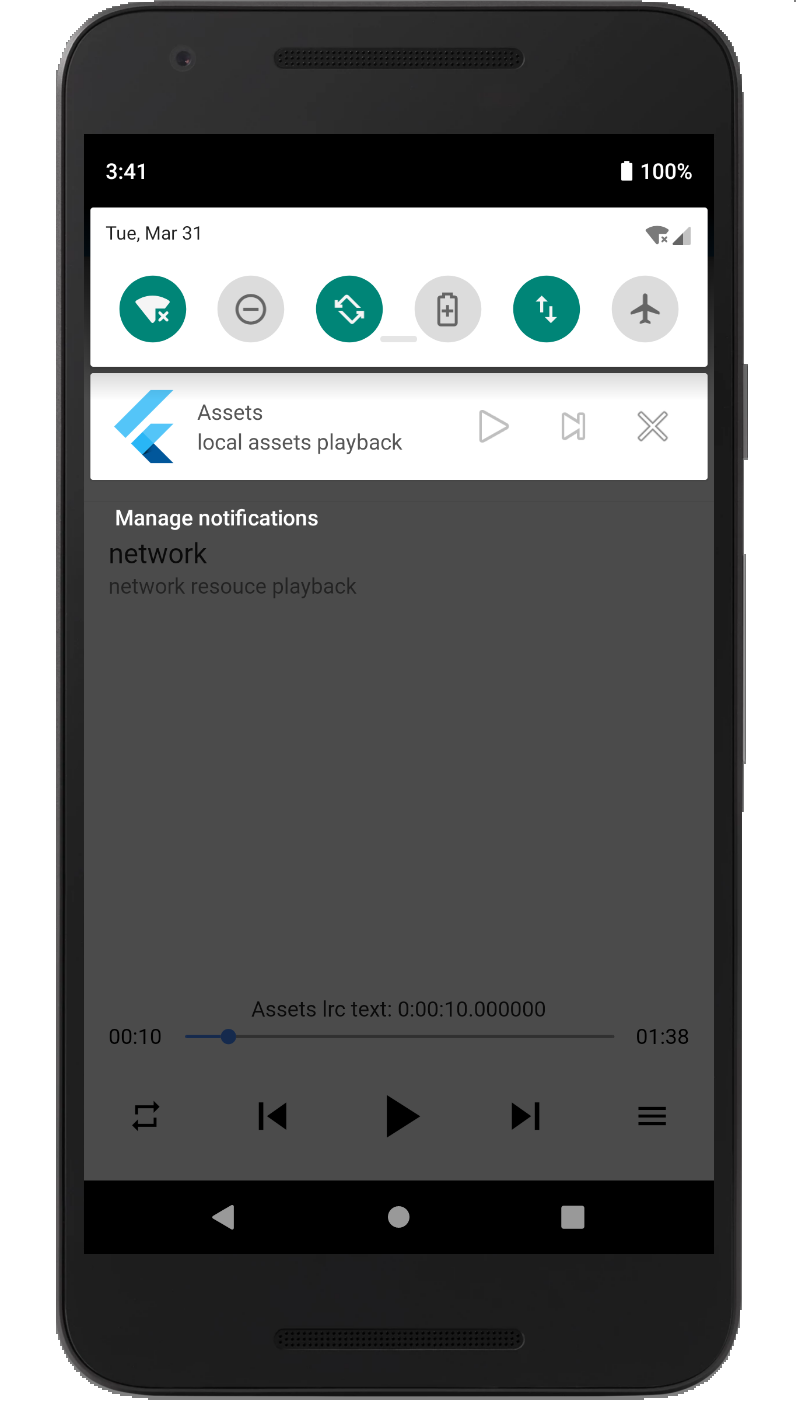 |
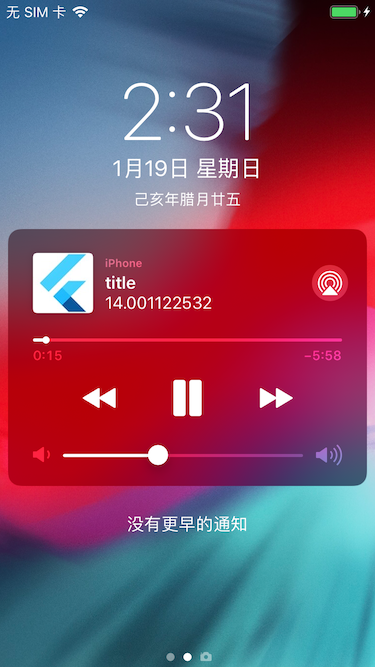 |
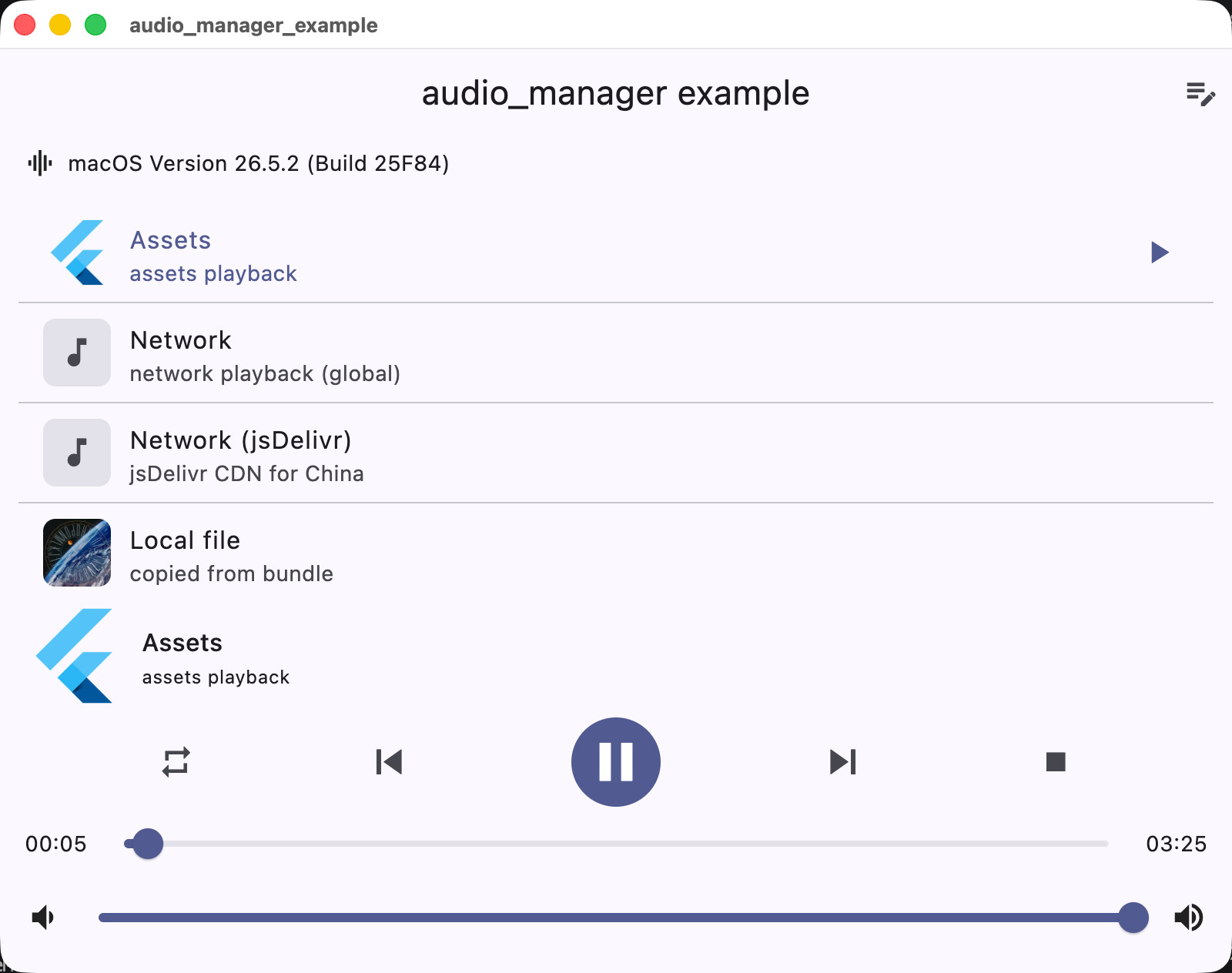 |
| Platform | Playback / integration |
|---|---|
| iOS | AVPlayer + lock screen / Control Center |
| Android | MediaPlayer + MediaSession notification |
| macOS | AVPlayer + Now Playing / Control Center |
| Windows | Windows.Media.Playback + SMTC |
| Linux | GStreamer + MPRIS |
| Web | HTMLAudioElement |
Add the dependency to pubspec.yaml:
dependencies:
audio_manager: ^1.0.0The plugin supports both CocoaPods and Swift Package Manager (SPM) on iOS. Flutter 3.24+ integrates it via SPM automatically; otherwise it falls back to CocoaPods.
Add the following permissions in the info.plist file
	<key>UIBackgroundModes</key>
	<array>
		<string>audio</string>
	</array>
	<key>NSAppTransportSecurity</key>
	<dict>
		<key>NSAllowsArbitraryLoads</key>
		<true/>
	</dict>
⚠️ Some methods are invalid in the simulator, please use the real machine⚠️ Only addUIBackgroundModes -> audiowhen your app really keeps playing audio in the background. If the app does not provide background audio, App Store review may reject it with guideline 2.5.4.
Since Android9.0 (API 28), the application disables HTTP plaintext requests by default. To allow requests, add android:usesCleartextTraffic="true" in AndroidManifest.xml
<application
	...
	android:usesCleartextTraffic="true"
	...
>
⚠️ Android minimum supported version 23(app/build.gradle -> minSdkVersion: 23)⚠️ Compile against Android SDK 34 or newer when targeting Android 12+ apps. The plugin now requires explicitPendingIntentflags, a media playback foreground service type, and Android 13+ receiver export flags.⚠️ Android notification and lock-screen controls useMediaSession/MediaStyle. Custom notification icons and full custom layouts are not exposed by the public API.
Desktop playback integrates with the system media controls: macOS Now Playing / Control Center, Windows SMTC (taskbar media flyout), and Linux MPRIS.
- macOS: to stream network audio, add the
com.apple.security.network.cliententitlement to the app's entitlements files (DebugProfile.entitlements/Release.entitlements):<key>com.apple.security.network.client</key> <true/>
- Linux: requires GStreamer development packages to build (
gst_playerlives in gst-plugins-bad):sudo apt install libgstreamer1.0-dev libgstreamer-plugins-base1.0-dev libgstreamer-plugins-bad1.0-dev
- Windows: built with the Windows 10 SDK (C++/WinRT); requires Visual Studio 2022+.
The plugin uses a singleton. Get AudioManager.instance and start playback directly.
You can use local assets, local files, or network resources.
import 'package:audio_manager/audio_manager.dart';
import 'package:flutter/foundation.dart';

final audio = AudioManager.instance;

// Initial playback. Preloaded playback information.
final error = await audio.start(
  'assets/audio.mp3',
  'Example title',
  desc: 'Example artist',
  // Network cover or asset cover.
  cover: 'assets/ic_launcher.png',
);

if (error.isNotEmpty) {
  debugPrint('Failed to start: $error');
}

// Play or pause; that is, pause if currently playing, otherwise play.
await audio.playOrPause();

// Events callback.
audio.onEvents((events, args) {
  debugPrint('$events $args');
});await AudioManager.instance.updateInfo(
title: "new title",
desc: "new artist",
coverUrl: "https://example.com/new-cover.png",
titleMaxLines: 2,
showPreviousButton: true,
showStopButton: false,
);Playback speed is supported through AudioManager.instance.setRate(AudioRate.rate150).
final audio = AudioManager.instance;
await audio.setRate(AudioRate.rate150);
await audio.setVolume(0.8);Firebase background isolates cannot reliably receive AudioManager.onEvents. For short-lived checks, query the native state directly:
final state = await AudioManager.instance.currentState();
print(state["isPlaying"]);
print(state["title"]);audio_manager 1.0.0 是首个全平台版本,正式支持 iOS、Android、macOS、Windows、Linux 和 Web。
- iOS 新增 Swift Package Manager(SPM)支持,与 CocoaPods 双轨并行
- macOS 使用 AVFoundation,接入 Now Playing / Control Center、媒体键和系统音量同步
- Windows 使用
Windows.Media.Playback,接入 SMTC 和任务栏媒体控制 - Linux 使用 GStreamer,接入 MPRIS 桌面媒体控制
- Web 基于
package:web和HTMLAudioElement,兼容 Web/WASM - 启用
package:lints/recommended,静态分析和 pub.dev 评分达到满分 - 更新 README、截图、示例文档和 pubspec 仓库元数据
- 将依赖更新为
^1.0.0 - 重新执行
flutter pub get - iOS 工程重新执行
pod install,或使用 Flutter 3.24+ 自动集成 SPM - macOS 网络音频需要添加
com.apple.security.network.cliententitlement - Linux 构建需要 GStreamer 开发包
- Windows 构建需要 Windows 10 SDK 和 Visual Studio 2022+
原有核心 API 保持不变,AudioManager.instance、start、playOrPause、updateInfo、currentState 等仍可直接使用。
- 通知、锁屏和后台播放能力集中在 iOS / Android
- 桌面端使用系统媒体控制,不等同于移动端通知栏
- Web 端不支持后台播放和系统级媒体控制
- pub.dev 的
Publisher仍显示为unverified uploader,需要在 pub.dev 创建并验证 Publisher 后转移包
完整说明见 RELEASE_NOTES.md。